
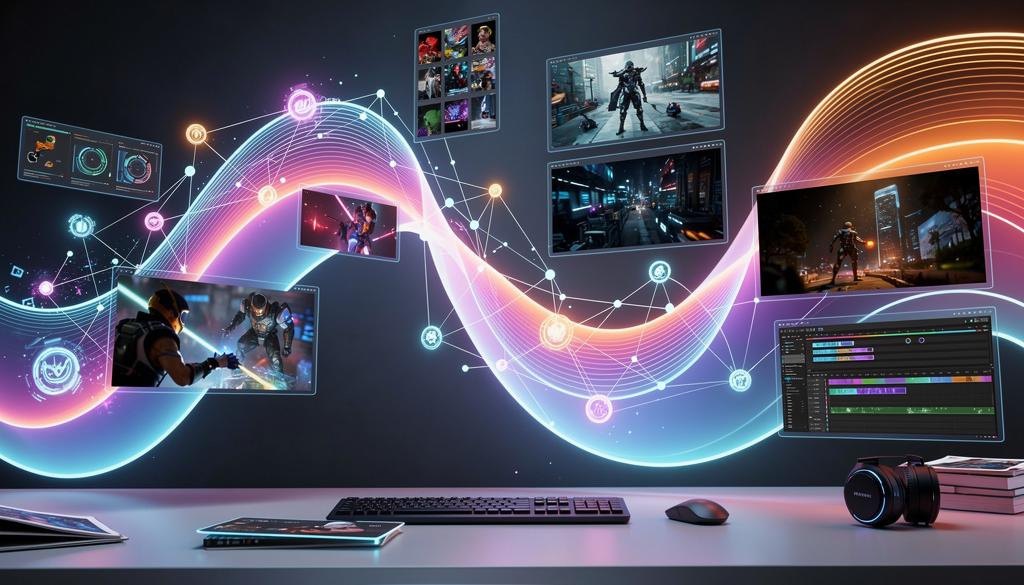
Here’s a how-to guide for creative professionals eager to harness the very latest generative AI models, without the hassle of juggling multiple accounts, credits, or technical headaches.
If you’re a digital artist, video game designer, advertising creative, or VFX artist, Griptape Nodes is your gateway to cutting-edge AI, now featuring the newest models released just yesterday (December 16th).
Unlocking the Latest Models in Minutes
Griptape Nodes has just added support for several brand-new generative AI models, including Flux 2 Max and WAN 2.6. These models are available right now, directly within the Griptape Nodes editor. There’s no need to sign up for each provider or manage credits across different platforms—just ensure you have credits in your Griptape Nodes account and you’re ready to create.
Let’s walk through how you can start using these powerful new tools:
Flux 2 Max: Next-Level Detail for Digital Art
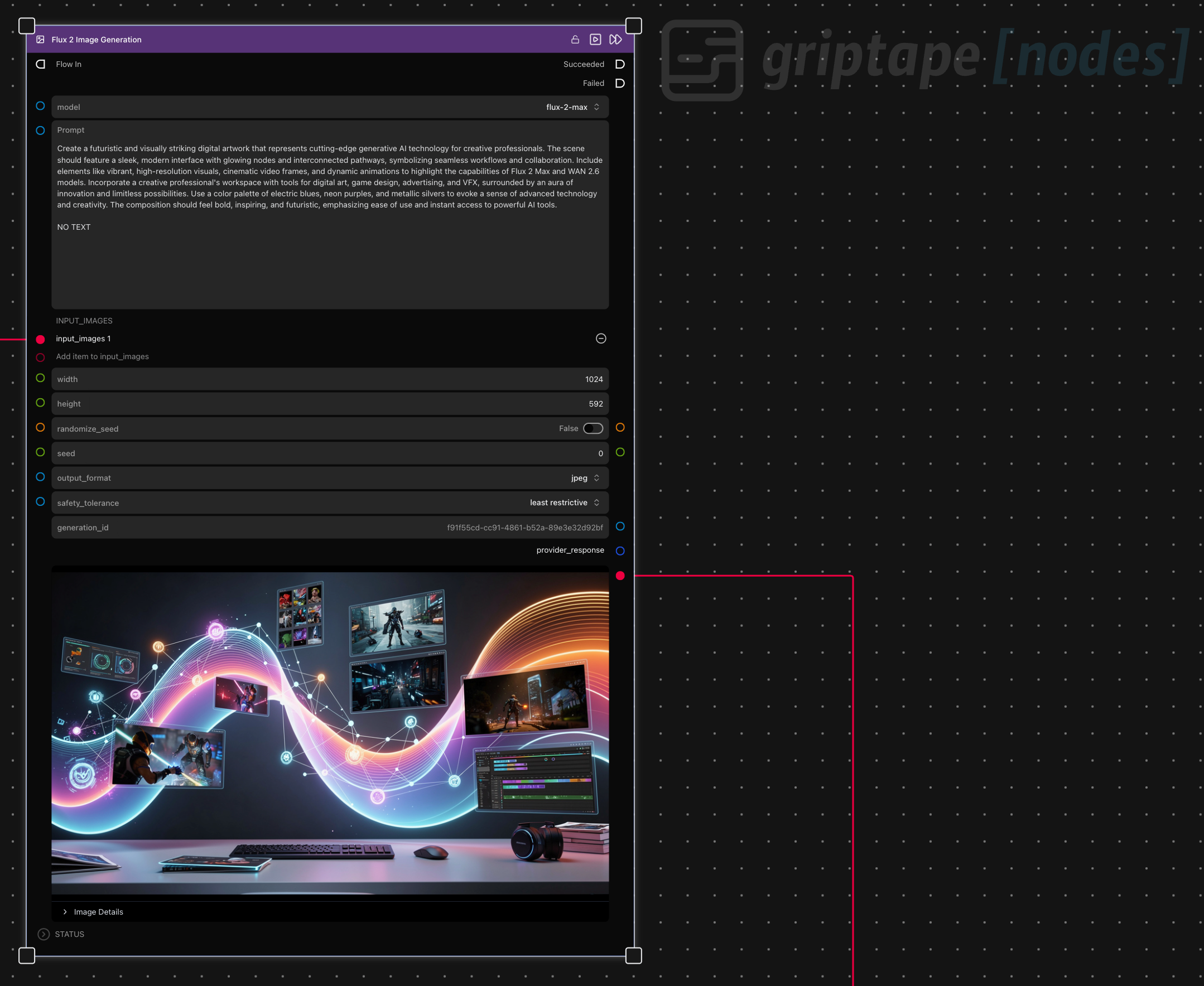
If you’ve used Flux 2 or Flux 2 Pro before, you’ll love the new Flux 2 Max. This model delivers higher detail and performance, generating images up to 4 megapixels—perfect for concept art, matte paintings, or high-res assets. Simply select Flux 2 Max in the Griptape Nodes editor, set your parameters, and watch as your creative vision comes to life with unprecedented clarity. While it’s a bit more expensive per use, the results speak for themselves.
WAN 2.6: Advanced Text-to-Video and Image-to-Video Generation
WAN 2.6 is a game-changer for anyone working with motion graphics, video game cutscenes, or advertising spots. Available in both text-to-video and image-to-video variants, WAN 2.6 supports 720p output and durations of 5, 10, or 15 seconds, with audio generation included. Want to take your storytelling further? The new multi-shot feature lets you choreograph camera movements and scene changes within a single video. Just adjust your prompt, enable comp extension, and set the shot type to multi. Whether you’re animating a dancing robot or crafting cinematic transitions, WAN 2.6 puts advanced video generation at your fingertips.
Why Griptape Nodes Makes It Effortless
With Griptape Nodes, you don’t need to worry about technical setup, hardware limitations, or compatibility issues. The drag-and-drop editor lets you build creative pipelines visually, experiment with different models, and collaborate seamlessly with your team. Every workflow is tracked and versioned, so you can iterate confidently and fix issues fast.
Ready to Create with the Latest AI?
The newest generative models Flux 2 Max and WAN 2.6 are available now on Griptape Nodes. All you need is an account with credits, and you can start generating high-detail images and advanced videos in minutes. Don’t let complexity slow you down. Focus on your creative vision and let Griptape Nodes handle the rest.
Sign up today at www.griptapenodes.com and experience the future of creative AI. Your next masterpiece is just a node away.